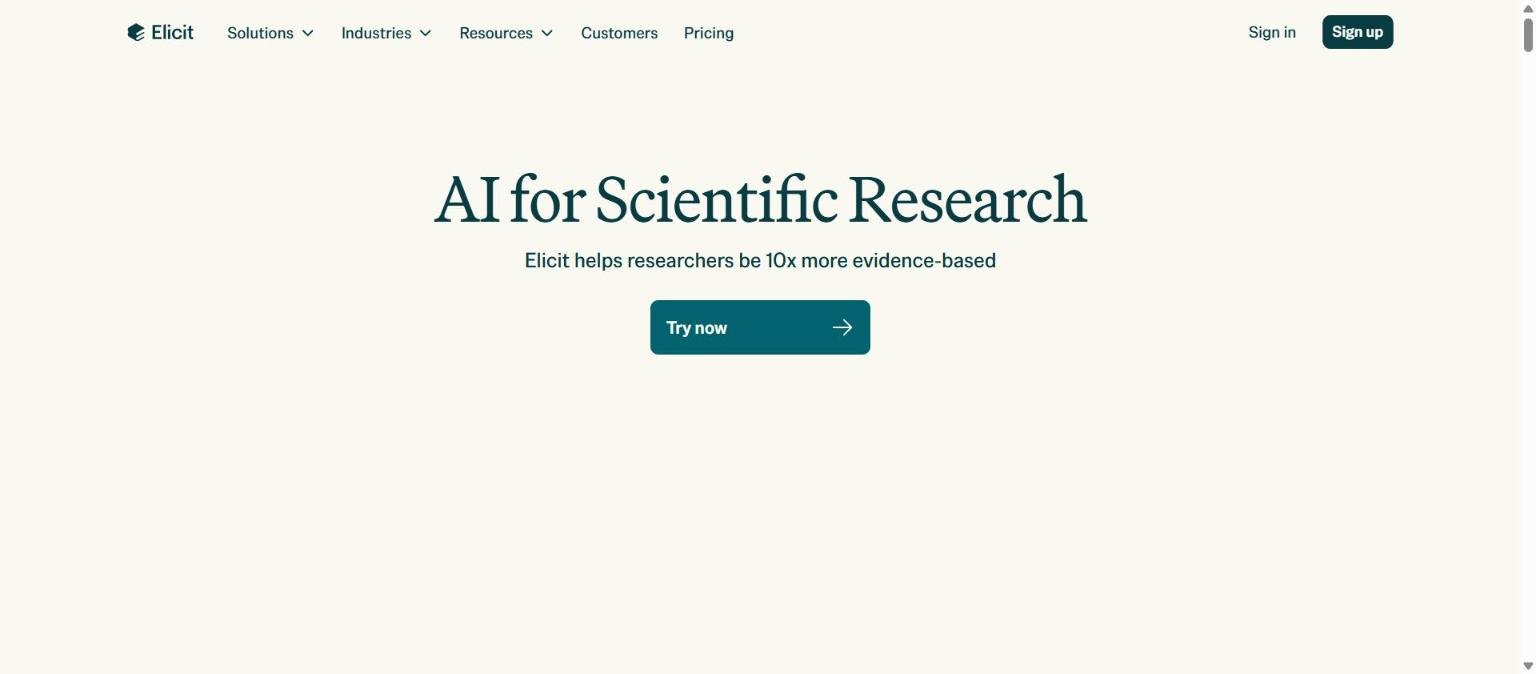
Elicit is an AI research assistant built around scientific papers. Its homepage headline reads “AI for Scientific Research”, and it says it helps researchers be “10x more evidence-based”. Rather than acting as a general chatbot, it searches a large academic corpus, reads the papers it finds, and presents answers, tables and reports tied back to specific sources.
This guide pulls together what Elicit documents about itself: what it does, who it suits, which plans exist, where its limits sit and how it differs from other research tools. It is aimed at students, academics, clinicians and analysts who are deciding whether a paid research assistant is worth adding to their workflow, and it flags every point where we could not confirm a detail.
How we researched this: we did not run hands-on tests for this article. It is based on the vendor’s own documentation and public sources, checked on 14 November 2026. Features and prices change, so confirm details on the vendor’s site before you buy.
Key takeaways
- Elicit focuses on academic literature: it says it searches about 138 million papers and about 545,000 clinical trials, with weekly updates for papers.
- Its headline workflow is Systematic Review, which covers protocol refinement, screening, data extraction and a cited synthesis report.
- The pricing page we read showed two conflicting sets of plan prices, so treat any figure in this article as a snapshot and check the live page.
- Accuracy and time-saving figures on the site are the vendor’s own claims, with no methodology we could verify.
- It supports your own checking, it does not replace it: read the source sentences behind every extracted data point.
What it is and who makes it
A research assistant for papers, not a general chatbot
Elicit presents itself as AI for scientific research. Its product pages describe a set of agents and workflows that search academic literature, summarise papers, extract structured data into tables and write cited reports. The systematic review page frames the work as a pipeline: refine a protocol, gather sources, screen papers, extract data and synthesise findings.
What it searches
According to its systematic review page, Elicit draws on about 138 million academic papers and conference proceedings, updated weekly, and about 545,000 clinical trials from ClinicalTrials.gov, updated in real time. It also describes “BYOData”, meaning you can upload your own documents and connect company subscriptions for full-text access. The free plan description on the pricing page mentions unlimited search across 138M+ papers.
Who makes it
The page text we retrieved did not name the company behind Elicit, and we do not want to guess. The legal and about pages on elicit.com are the place to confirm the operator, the jurisdiction and the data controller before you sign up for a team plan.
A note on our sources: we read the homepage visually, read the pricing page and systematic review page through a page reader, and could not open every help article. Where a detail is only on a page we could not read, we say so.
Who it is for
Students and early researchers
The free Basic plan lists unlimited search, unlimited summaries and full-text chat, plus Zotero import. That makes it a low-cost way to explore a topic and build a reading list. If you are new to a field, the ability to ask a question and see which papers support each part of the answer can shorten the first pass of reading.
Academics and research teams
The Pro and Scale tiers add larger systematic review limits, more table columns per extraction, collaboration and an admin panel with usage tracking and seat management. Labs that run repeated evidence reviews are the clearest fit, because the value of structured extraction grows with the number of papers.
Clinicians, health analysts and evidence teams
The clinical trial coverage and the PRISMA-oriented systematic review workflow point at health and policy teams. The vendor describes screening decisions as auditable, with exclusion reasons and supporting quotes, which matters when a reviewer or regulator asks how a paper was excluded.
Who should look elsewhere
If your work is mostly news, business documents or general web research, a paper-focused tool will feel narrow. If you need a tool that reads only your own private notebook of sources, a source-grounded notebook product may fit better. See our comparison of Elicit, Consensus and Scite for how the research tools split the job.
Core features
Search and summaries
Elicit searches its corpus with keyword or semantic search and returns papers with summaries. The free plan says summaries and full-text chat are unlimited, so the basic discovery loop does not depend on a paid tier.
Data extraction into tables
You can add columns to a table of papers and have Elicit extract answers such as sample size, outcome or intervention. The plans cap how many columns you can add at a time: 5 on Plus, 20 on Pro and 30 on Scale in the first pricing set we read. The vendor says each extraction is supported by quotes or figures from the source.
Research Agent and Research Reports
The pricing page lists “Research Agent” and “Research Report” usage as metered resources. Reports can draw on up to 135 data sources on Pro and up to 200 on Scale, according to the plan table. Usage is limited on the free tier and rises with each paid tier.
Systematic Review workflow
The systematic review page describes five stages: protocol refinement, source gathering, screening, extraction and synthesis. Screening runs in real time, suggests criteria you can accept or edit, and records per-criterion scores. The workflow supports dual review, where two humans or a human and the AI screen each paper.
Synthesis with sentence-level citations
Generated reports include sentence-level citations and, for systematic reviews, a methods section with PRISMA flow diagrams, paper summary tables and search strategies. Built-in or custom templates control the output shape.
Exports and reference managers
Zotero import is listed on the free plan. Export to RIS, CSV, BIB, PDF and DOCX is listed from the Plus tier in the first pricing set we read.
Answer explanations and templates
Pro and above list answer explanations and multiple output templates. In practice these exist to help you see why a cell was filled in a certain way, which is central to trusting an extracted value.
Newer or advanced features and integrations
Routines
The pricing page lists “Routines” on Pro and above. The systematic review page describes a longer-term idea of living reviews, combining systematic reviews and Routines so a review can update as new research appears. The page presents this under a vision heading, so treat it as direction rather than a finished feature.
Custom extractions from uploaded papers
Pro and above allow custom extractions from papers you upload. This is the bridge to private literature, such as papers behind your own library subscriptions.
Figure extraction and collaboration
Scale lists figure extraction from papers and live collaborative editing. The systematic review page also says extraction can draw on tables and figures.
API access
API access is listed on Pro and above, and Enterprise describes unlimited API access. If you plan to feed Elicit output into your own tooling, confirm the rate limits and terms with the vendor, because the pages we read do not give numeric limits.
Enterprise controls
Enterprise lists SSO and SAML, two-factor authentication, user analytics, domain verification, custom deployments, a dedicated customer success contact and custom data sources and templates. It also says no training on your data by default.
Shareable process links
The vendor lists shareable process links, viewable without an Elicit account, as part of its direction for systematic reviews. Check whether this is live before you rely on it for a publication.
Pricing and plans
Checked on 14 November 2026. The pricing page we read showed only yearly prices, with a monthly and yearly toggle present. More importantly, the text we retrieved contained two conflicting sets of plans. One set listed Basic, Plus, Pro, Scale and Enterprise. A later copy listed Basic, Pro, Scale and Enterprise with higher prices and no Plus tier. We could not tell which set is current, so we show both. Confirm on the live pricing page before you buy.
| Plan | Set A (per user per month, billed annually) | Set B (per user per month, billed annually) |
|---|---|---|
| Basic | Free | Free |
| Plus | $11 ($132 per year) | Not listed |
| Pro | $39 ($468 per year) | $49 ($588 per year) |
| Scale | $89 ($1,068 per year) | $229 ($2,748 per year) |
| Enterprise | Custom | Custom |
| Plan | Headline features and limits listed |
|---|---|
| Basic | Limited Research Agent and Research Report usage; unlimited search across 138M+ papers; unlimited summaries and full-text chat; Zotero import |
| Plus (Set A only) | Export to RIS, CSV, BIB, PDF, DOCX; 5 table columns at a time; search across 500K+ clinical trials; standard agent and report usage |
| Pro | Systematic Review workflow that screens 5,000 papers; 20 columns at a time; reports from up to 135 data sources; Routines; custom extractions; answer explanations; API access |
| Scale | Figure extraction; live collaborative editing; reports from up to 200 data sources; 30 columns at a time; admin panel with usage tracking and seat management; higher usage multiples than Pro |
| Enterprise | Custom usage; screens 40,000 papers and extracts 40 columns; SSO and SAML, 2FA, user analytics; no training on your data by default; dedicated customer success |
The usage multiples also differ between the two sets: Set A shows 5x usage on Pro and 9x on Scale, while Set B shows standard usage on Pro and 5x on Scale. Because the pricing is metered by agent, report and systematic review usage, the real cost depends on how much you run. Our guide on how to read an AI tool pricing page covers the questions to ask about usage-based plans.
Strengths
Purpose-built for evidence work
Elicit centres on papers, trials and structured extraction, and its systematic review workflow mirrors steps that review teams already follow. That focus shows in details such as PRISMA flow diagrams and exclusion reasons.
Citations at the sentence level
The vendor says AI-generated claims carry sentence-level citations, and extractions are supported by quotes or figures. That design makes verification quicker than reading a bare summary.
A useful free tier
Unlimited search and summaries with full-text chat on the free plan mean you can judge whether the interface suits you before paying. Zotero import also fits existing reference habits.
Scales from one person to an organisation
The tiers run from free through team features such as live collaboration and an admin panel to Enterprise controls like SSO. Teams do not have to change tools as their needs grow.
Transparent about some limits
The pricing page lists concrete numbers such as 5,000 papers screened on Pro, 20 columns at a time and up to 135 or 200 sources per report. That is more specific than many AI pricing pages.
Weaknesses and limits
Conflicting pricing information
The biggest practical problem we met is that the pricing text contained two different plan sets. A buyer cannot plan a budget from conflicting figures, so confirm the current plan before committing.
Vendor-reported accuracy only
The systematic review page cites 80% time savings, up to 99.5% screening recall and 96% data extraction accuracy, plus case studies. The page gives no methodology for the time savings figure, and we did not verify any of these numbers. They describe the vendor’s own comparisons, not independent benchmarks.
Metered usage can be hard to forecast
Agent, report and systematic review usage are limited by tier and expressed as multiples. Heavy review projects may exhaust a tier, so ask how overage works.
Corpus limits and paywalled full text
Search covers the vendor’s corpus, and full-text access to paywalled papers depends on what you upload or connect. The FAQ entries on paywalled papers and tables were listed without answers in the text we retrieved, so confirm coverage for your field.
AI extraction still needs human checking
Even with quotes attached, a model can misread a table or pick the wrong outcome. Our guide to checking AI output for mistakes applies directly to extracted data, as does the general problem of AI hallucinations.
Privacy, data handling and security
The pages we could read make a small number of data claims. Enterprise lists “no training on your data by default” along with SSO and SAML, two-factor authentication, domain verification and custom deployments. The free and lower paid plans do not state a training policy in the text we retrieved, so we could not confirm what applies to them.
- Check the privacy policy for how uploaded papers and queries are stored and how long they are kept.
- Ask whether uploaded documents are used for model training on your plan.
- If you handle patient or unpublished data, ask about regulatory compliance in writing. The systematic review FAQ lists a regulatory compliance question without an answer in the text we retrieved.
- Review your institution’s rules before uploading licensed full-text papers.
For broader guidance, read our piece on protecting company data when using AI tools.
How it compares
Elicit overlaps with other research tools but each leans a different way. The table summarises what each documents about itself, based on pages we read on 14 November 2026.
| Tool | What it centres on | Notable documented points |
|---|---|---|
| Elicit | Extraction, screening and reports across papers | Systematic Review workflow; tables of extracted data; 138M papers; sentence-level citations |
| Consensus | AI search over research with cited answers | Says it covers 400M+ scholarly sources; Free, Pro and Deep individual plans; Extract data and Citation graph tools in its sidebar |
| Scite | Citation context and evaluation | Smart Citations classify citations as supporting, contrasting or mentioning; Reference Check for manuscripts; MCP connectors |
| NotebookLM (now Gemini Notebook) | Grounding answers in sources you upload | Notebooks with source limits by plan; Audio and Video Overviews; reports, flashcards and quizzes |
If you want one tool for search plus extraction, Elicit is the closest match here. If your priority is judging whether a claim has been supported or contradicted by later work, Scite is more direct. For general web research, see Perplexity versus Google for research.
Getting started
- Create a free Basic account and run a question you already know the literature on, so you can judge the results against papers you trust.
- Open a few results and read the source sentences behind the summary.
- Add two or three extraction columns, then check each cell against the paper.
- Import a small Zotero library to see how your own references behave.
- Only after that, check the live pricing page and decide whether the extra usage, columns or collaboration justify a paid tier.
Our guide to testing an AI tool before you pay gives a checklist you can reuse.
Frequently asked questions
Is Elicit free?
Elicit lists a free Basic plan with limited Research Agent and Research Report usage, unlimited search across 138M+ papers, unlimited summaries and full-text chat, and Zotero import. Paid tiers add usage, columns and features.
How many papers does Elicit search?
The systematic review page says about 138 million academic papers and conference proceedings, updated weekly, plus about 545,000 clinical trials from ClinicalTrials.gov. These are vendor figures we did not verify.
Can Elicit run a systematic review?
It describes a Systematic Review workflow covering protocol refinement, source gathering, screening, extraction and synthesis. The Pro plan lists a screening cap of 5,000 papers and Enterprise lists 40,000.
How accurate is Elicit?
The vendor reports figures such as 96% data extraction accuracy and up to 99.5% screening recall. These are the vendor’s own claims without a methodology we could review, so check outputs yourself.
Does Elicit train on my data?
Enterprise states no training on your data by default. We could not confirm the policy for other plans from the pages we read, so check the privacy policy.
Can I upload my own papers?
Yes in some form: the pricing page lists custom extractions from uploaded papers on Pro and above, and the vendor describes a BYOData option for your own documents.
Which Elicit plan costs what?
We saw two conflicting price sets, for example Pro at $39 or $49 per user per month billed annually. Check the live pricing page.
Conclusion
Elicit is a specialised tool for people who work with academic evidence. Its documented strengths are structured extraction, a systematic review pipeline and citations tied to specific sentences, and its free tier makes it easy to try. Its documented weaknesses are mostly about trust and cost: vendor-reported accuracy figures, metered usage and a pricing page that returned conflicting plan sets when we read it.
Best for: researchers and evidence teams who need repeatable screening and extraction. Think twice if: you only need occasional paper lookups or cannot verify extracted data. Start free, verify everything, and read the live pricing page before you pay.
Sources
- Elicit homepage, accessed 14 November 2026
- Elicit pricing page, accessed 14 November 2026
- Elicit systematic review page, accessed 14 November 2026


